
Häufig gestellte Fragen
Antworten zu tragbaren NITIGO-Stromstationen
Wir verwenden in allen unseren tragbaren Stromstationen EV-taugliche LiFePO₄-Batterien. Sie sind bekannt für ihre außergewöhnliche Sicherheit und Haltbarkeit und werden in Verbindung mit unserer hauseigenen Wechselrichterplatine auf bis zu 4.000 Zyklen ausgelegt (bei 25 °C, 0,5C Laden/Entladen, 80 % Entladetiefe), was etwa 10 Jahren regelmäßiger Nutzung entspricht.
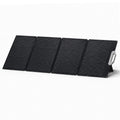
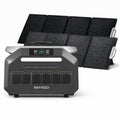
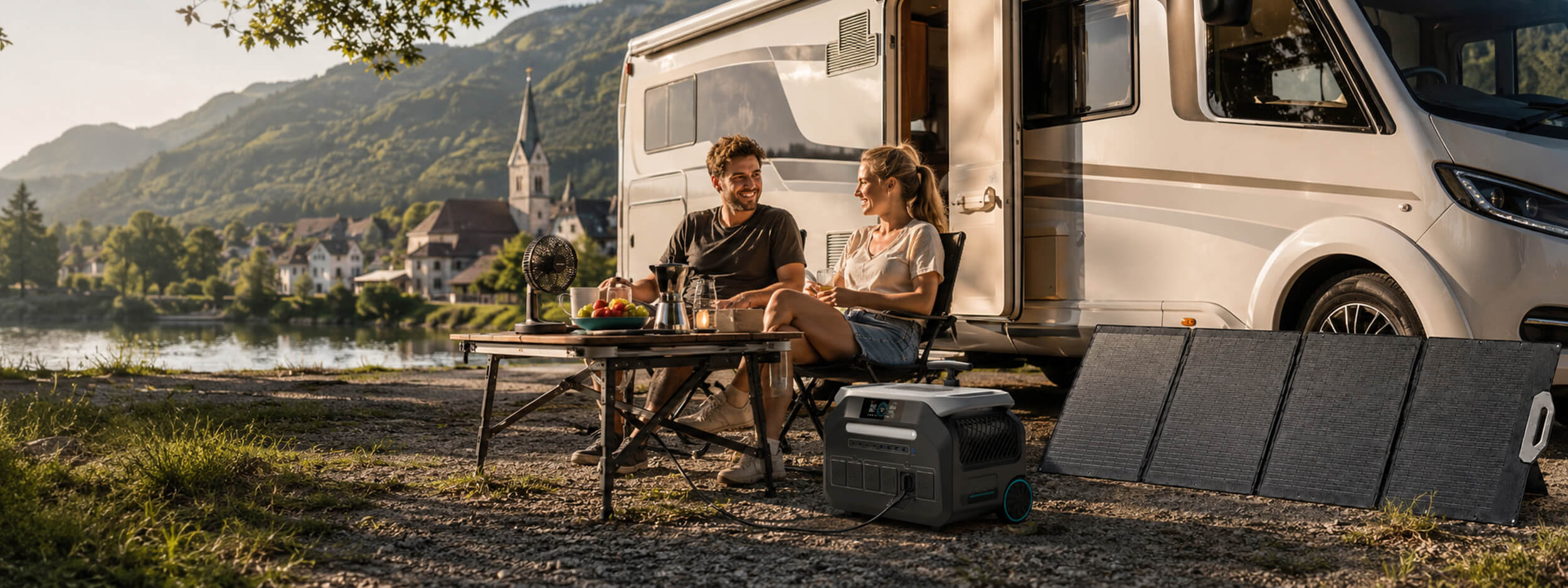
Ja, alle tragbaren NITIGO-Stromstationen unterstützen das Laden mit Solarstrom. Benutzer können Solarmodule bestellen und diese an das im Lieferumfang enthaltene Solarladekabel anschließen, das dann an den XT-60-Anschluss der tragbaren Stromstation angeschlossen wird.
Ja. Beim Laden über das Stromnetz mit dem mitgelieferten AC-Ladekabel kann die tragbare Stromstation je nach Modell in nur 1,2 bis 1,5 Stunden von 0 % auf 100 % vollständig aufgeladen werden.
Alternativ können Benutzer den Langsamlademodus aktivieren, um die Lüftergeräusche zu reduzieren – ideal für die Nacht oder ruhigere Umgebungen.
Ja, Benutzer können die tragbare Stromstation während der Fahrt über den Zigarettenanzünder (max. 120 W) mit dem mitgelieferten Autoladekabel laden. Achten Sie jedoch darauf, das Fahrzeug während des Ladevorgangs laufen zu lassen, um eine Entladung der Autobatterie zu vermeiden, die das Starten des Motors verhindern könnte.
Ja. Bei gleichzeitigem Laden über Solar und Netzstrom unterstützt beispielsweise die P3200 eine Gesamtladeleistung von bis zu 1800 W, mit maximal 1000 W aus Solar. Wenn die Solaranlage 800 W liefert, liefert das Netz die restlichen 1000 W. Da die Solareingangsleistung umgebungsbedingt schwankt, passt sich das Netz automatisch an, um ein optimales Laden zu gewährleisten.
Ja. Bei Netzanschluss und angeschlossener Last schaltet die Stromstation bei einem Stromausfall innerhalb von 10 ms auf Notstrom um. Wenn die Batterie vollständig entladen ist, wird die Ausgangsleistung gestoppt. Bei Wiederkehr der Netzspannung wird die Batterie automatisch geladen und der AC-Ausgang neu gestartet, sodass wichtige Verbraucher wie der Kühlschrank rechtzeitig mit Strom versorgt werden.
Die tragbare Stromstation unterstützt gleichzeitiges Laden und Entladen, sodass sie Geräte mit Strom versorgen kann, während sie selbst geladen wird.
Wir verwenden nur LiFePO₄-Batterien der Güteklasse A von führenden Batterieherstellern, kombiniert mit zahlreichen Schutzfunktionen im Wechselrichter- und Batteriesystem:
- AC-Ausgang Überstrom
- AC-Ausgang Kurzschluss
- AC-Lade Überstrom
- AC-Ausgang Über-/Unterspannung
- AC-Ausgang Über-/Unterfrequenz
- Wechselrichter Übertemperatur
- AC-Laden Über-/Unterspannung
- Batterietemperatur hoch/niedrig
- Batterie Über-/Unterspannung
Ja. Wir empfehlen, das Gehäuse und alle Ausgangsanschlüsse (DC, AC und USB) während der Lagerung mit einem sauberen, fusselfreien Tuch zu reinigen. Um die Batteriegesundheit zu erhalten, sollte das Gerät außerdem alle drei Monate einmal vollständig geladen und entladen werden.
Zur Schätzung der Betriebsdauer verwenden Sie die Formel:
(Batteriekapazität × 0,85) ÷ Geräteleistung
Beispiel für die P3200 (2048 Wh):
(2048 × 0,85) ÷ Geräteleistung
Hinweis: Der Faktor 0,85 berücksichtigt Energieverluste während der Batterieentladung und der Wechselrichterumwandlung.
Das hängt von der Nennleistung der tragbaren Stromstation und dem Stromverbrauch Ihrer Geräte ab. Prüfen Sie stets die Nenn- und Einschaltleistung des Geräts. Für eine optimale Leistung sollte die Gesamtleistung die Nennleistung der Stromstation nicht überschreiten.
Wenn die Lasten die Nennleistung der tragbaren Stromstation überschreiten, aktiviert sich der Smart Drive Mode, um höhere Leistungsanforderungen zu unterstützen und so den Einsatz weiterer Geräte zu ermöglichen – wärmeerzeugende Geräte wie Küchengeräte eignen sich am besten. Er ist jedoch nicht für ohmsche Lasten, Präzisionsinstrumente oder Geräte mit strengen Spannungsanforderungen geeignet.
Der Smart Drive Mode ist standardmäßig aktiviert, kann aber durch langes Drücken des AC-Ausgangsschalters umgeschaltet werden. (Die Aktivierungsmethode kann je nach Modell variieren; bitte beachten Sie das Benutzerhandbuch.)
Ja. Wenn die DC- oder AC-Ausgänge eingeschaltet sind, befindet sich das System im Standby-Modus, was zu einem geringen, kontinuierlichen Batterieverbrauch führt. Wenn Sie über einen längeren Zeitraum keine Geräte anschließen möchten, empfehlen wir, alle Ausgänge auszuschalten.
Ja. Wenn sowohl der AC- als auch der DC-Ausgang ausgeschaltet sind, wechselt die Stromstation nach etwa einer Stunde Inaktivität automatisch in den Schlafmodus, um Energie zu sparen.
So bleibt das System aktiv:
- Schalten Sie den DC-Ausgang ein und lassen Sie ihn eingeschaltet – dies verhindert, dass das Gerät in den Schlafmodus wechselt.
- Schalten Sie den AC-Ausgang ein und verbinden Sie sich mit der App – stellen Sie dann die AC-Standby-Zeit auf Immer eingeschaltet, um den AC-Ausgang kontinuierlich aktiv zu halten.
Für Modelle, die eine Batterieerweiterung unterstützen, können Benutzer ein Hauptgerät zusammen mit einer oder mehreren kompatiblen Erweiterungsbatterien erwerben. Zum Verbinden wird das Hauptgerät einfach auf die Erweiterungsbatterie gestapelt – sobald die Anschlüsse ausgerichtet sind, wird die Batterie automatisch verbunden. Es sind keine zusätzlichen Kabel erforderlich.
Erweiterungsbatterien können nicht eigenständig verwendet werden. Sie müssen an das Hauptgerät angeschlossen werden, da sie für die ordnungsgemäße Funktion auf die Protokollkommunikation angewiesen sind.
Bei Anschluss entladen sich das Hauptgerät und die Erweiterungsbatterie gemäß der integrierten Energiemanagement-Logik des Systems. Normalerweise entlädt sich das Hauptgerät zuerst und wird gleichzeitig von der Erweiterungsbatterie nachgeladen.
Eine manuelle Priorisierung der Erweiterungsbatterie für die Entladung wird nicht unterstützt, da die Entladereihenfolge automatisch gesteuert wird, um optimale Leistung und Sicherheit zu gewährleisten, und auch von den physikalischen Eigenschaften der Batterien beeinflusst wird.